Roles
Role base access control, group of users with a group of permissions.
Add
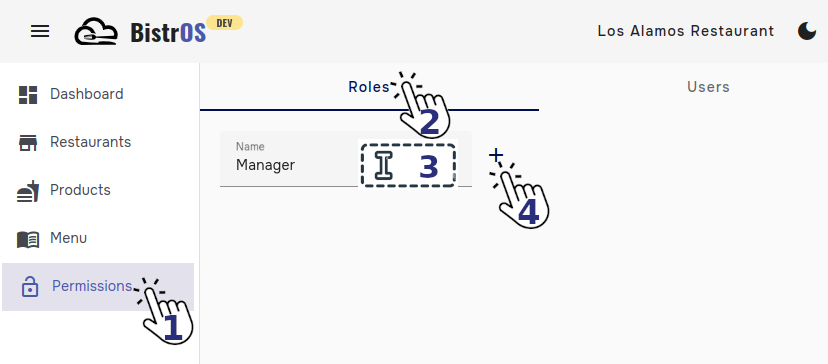
Navigate to module Permissions, tab Roles, type the name of the role and click the button  .
.
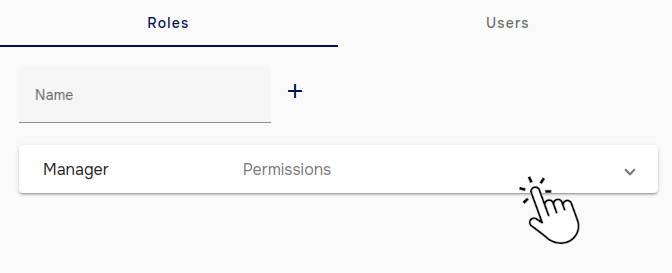
Set permissions
Expand the menu corresponding to the role you want to set the permissions.
Select the permissions that you want to add to the selected role. Changes will be saved automatically.
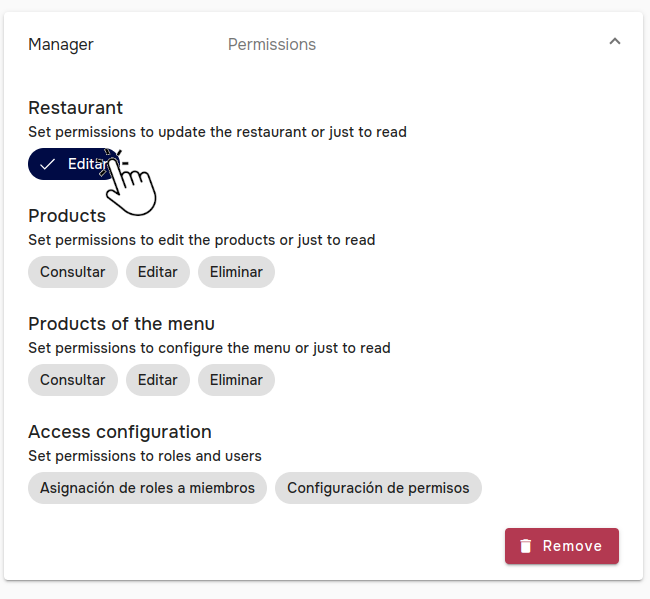
Permissions
The permissions rules works with the next premises:
- The owner (creator) of the restaurant will always has full and irrevokable access to all available functions.
- The restaurant will only be removed by the owner.
- There are logically inherited permissions, for example, if you add Edit permission, it will include Read permission.
Remove
To remove a role, click the button  corresponding to the role you want to remove.
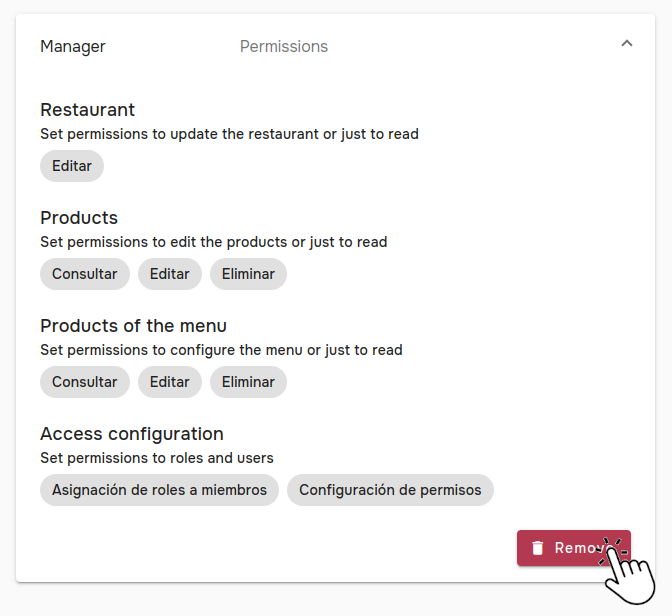
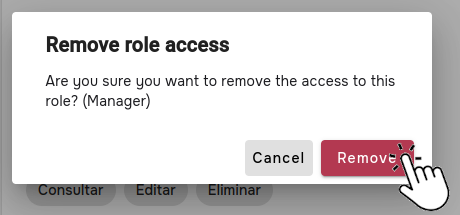
A warning message will let you know the risks of proceed, in case you want to continue, click the button Remove.
Careful
Eliminating roles means that users that have that role could loss partially or totally access to BistrOS functions for that restaurant.