Sections
A section is a group of products with a common configuration. For example, Desserts, Entrees, Pizzas, Drinks, etc.
Add
Navigate to module Menu, tab Sections, click the button +Add.
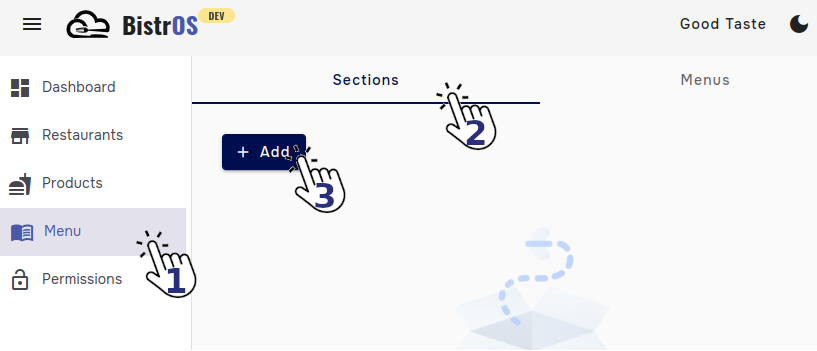
Provide the requested information.
1. Name: Type the name of the section.
MandatoryDatatype→alphanumericMax length→40 characters
2. Status: Enable or disable the section.
MandatoryDatatype→booleanDefault value→Active
3. Products: Select from the list of products the ones you want to add to the section..
MandatoryDatatype→list
4. Tags: Use it as reference.
OptionalDatatype→alphanumeric
You can use it to differenciate multiple sctions with the same name but different configuration.
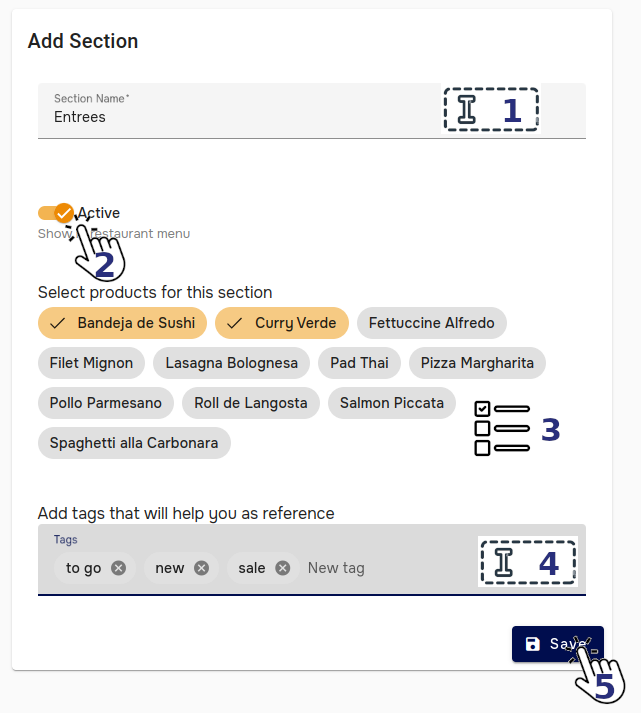
Save: Click in the save button to save the changes.
Ready
Your section has been created.
Edit
Navigate to module Menu, tab Sections, click the button  corresponding to the section you want to edit.
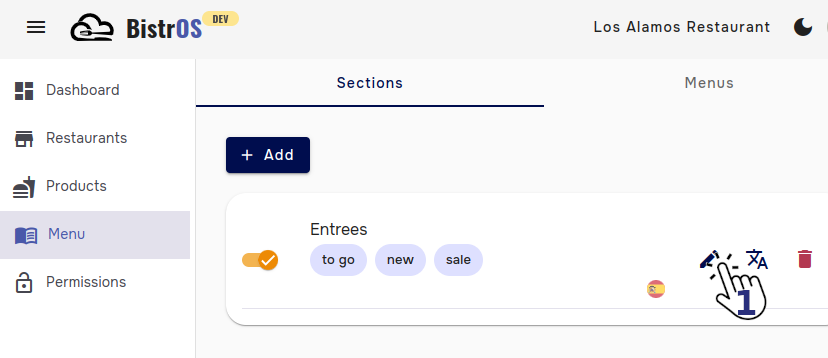
Provide the requested information the same way that you did to add.
Remove
Navigate to module Menu, tab Sections, click the button  corresponding to the section you want to remove.
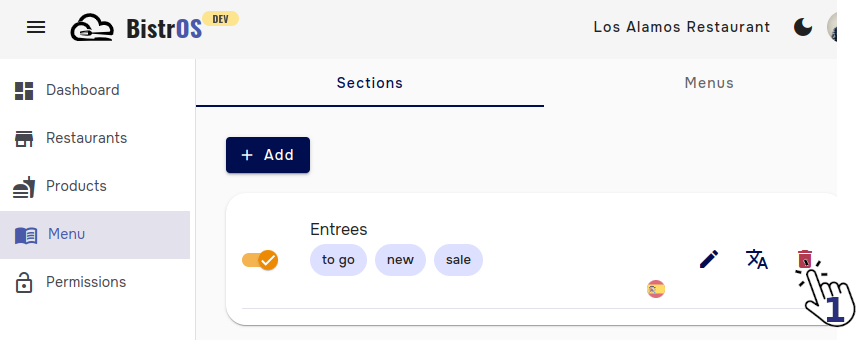
A warning message will let you know the risks of proceed, in case you want to continue, click the button Remove.
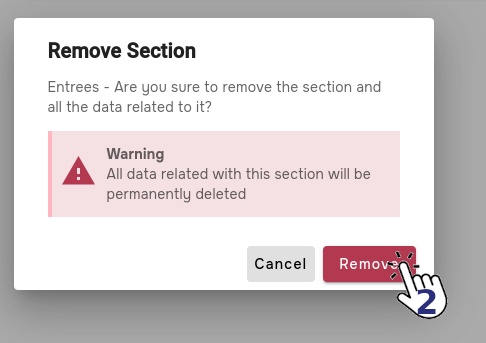
This action cannot be undone, all data related to the Section will be deleted.
Alternative language
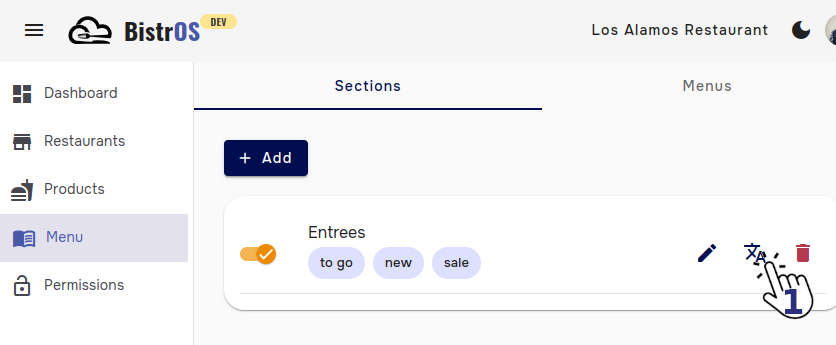
Navigate to module Menu and click the button  corresponding to the desired language.
Add language
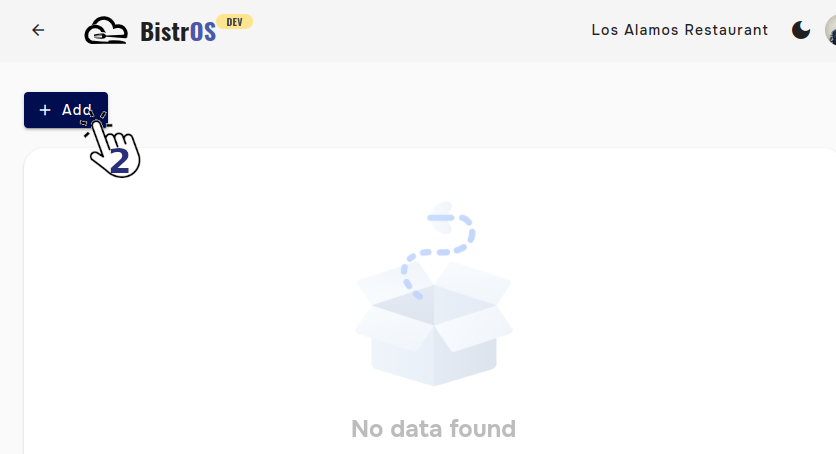
Click +Add button.
Provide the requested information.
1. Name: Type the name of the product in the alternative language.
MandatoryDatatype→alphanumericMax length→40 characters
2. Language: Select from the list the alternative language.
MandatoryDatatype→list
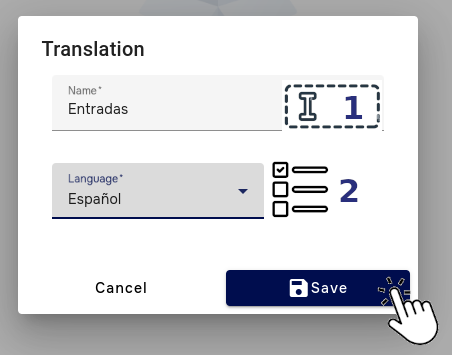
Save: Click in the save button to save the changes.
You can apply the same procedure to add more translations to the available languages.
Edit language
From the translations list, click in the button corresponding to the language you want to edit.
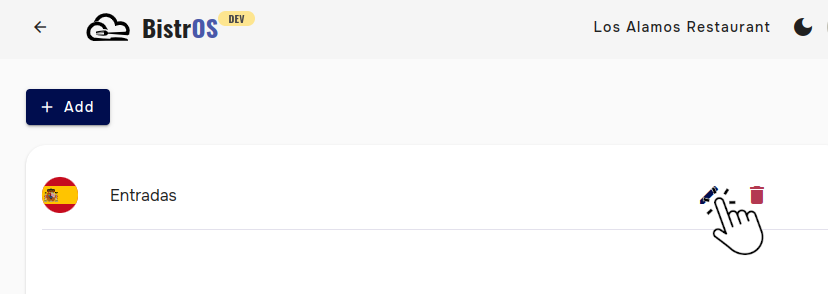
Provide the requested information the same way that you did to add.
Remove language
From the translations list, click in the button corresponding to the language you want to remove.
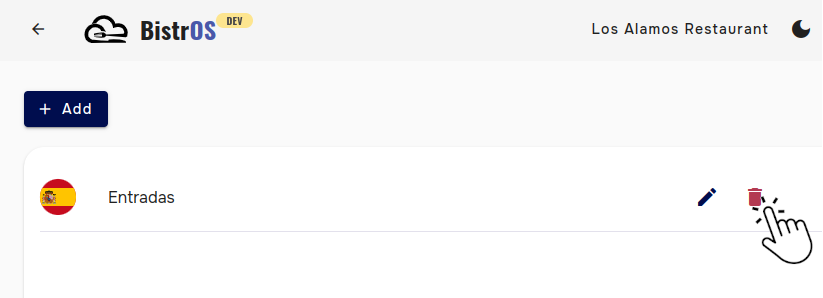
This action doesn't has warning message due to is easy to add again the translation in case of an error.